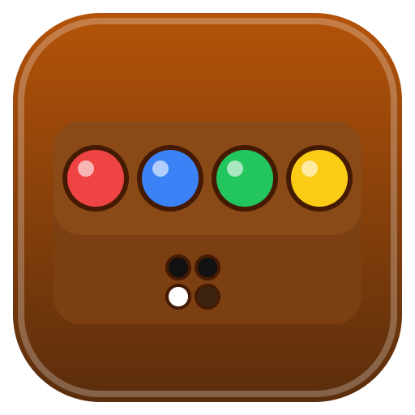
Crack the hidden color code in 10 tries, built with pure React (no game engine). Wooden board with colored pegs.
How to play
The computer hides a code of colored pegs.
Tap a color to fill the next hole in your row; tap a peg in your row to remove it.
When the row is full, press Check. The pins next to it show:
● dark pin — a right color in the right spot
○ white pin — a right color in the wrong spot
Pins are not in peg order. Use them to work out the code within 10 tries.
Clear the minefield without hitting a mine, built with pure React (no game engine). Classic Windows-style look.
How to play
Click a cell to dig. A number shows how many of the 8 surrounding cells hide a mine.
Right-click (or long-press on touch screens, or switch to Flag mode) to cycle a cell through 🚩 flag → ? → blank.
Click a revealed number whose flags are all placed to dig all its other neighbors at once (chording).
Dig every safe cell to win. Dig a mine and you lose.
Your first click is always safe, and so are the cells around it.
Click the face to start a new game.
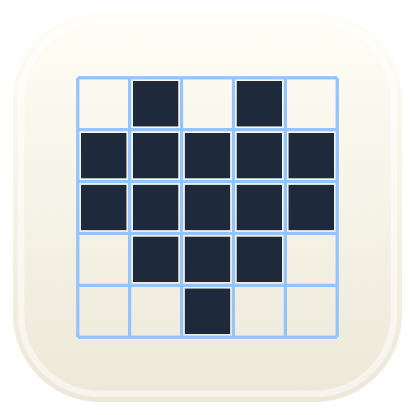
Paint the grid to reveal a hidden picture, using the number clues, built with pure React (no game engine). Graph-paper notebook look.
How to play
The numbers beside each row and above each column list the runs of filled cells in that line, in order. For example, 3 1 means a run of 3, then at least one gap, then a run of 1.
Tap a cell to fill it, or drag to paint a straight line. Tap a filled cell to clear it.
Switch to ✕ Cross (or right-click) to mark cells you know are empty.
When a line matches its clue, its numbers turn gray and its remaining cells are crossed out automatically.
Fill every line to match its clues to solve the puzzle.
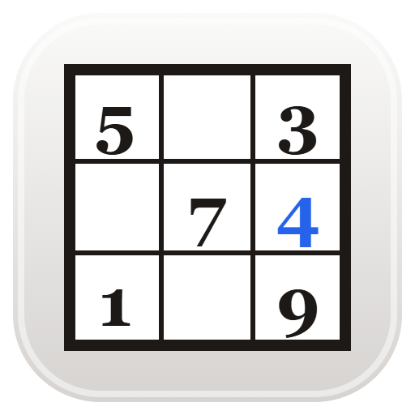
Fill the grid so every row, column and 3×3 box has the numbers 1 to 9, built with pure React (no game engine). Newspaper puzzle-page look.
How to play
Tap a cell, then tap a number (or type 1–9). Tap the same number again, or Erase, to clear it.
Turn on Notes to pencil in small candidate numbers instead.
Numbers that repeat in a row, column or box are shown in red.
Fill the whole grid correctly to win.
Keyboard: arrow keys move, 1–9 fill, Backspace/Delete/0 erase, N toggles notes.